The Best Teleprompter App for iPhone and Mac
Teleprompter Pal is a studio-grade teleprompter app that scrolls with your voice. Speak naturally, pause when you need to, and let your script keep pace. No expensive hardware required.
For iPhone · Currently in private beta
Take a breath.
Look into the lens.
You’ve got this.
Your original stays safe
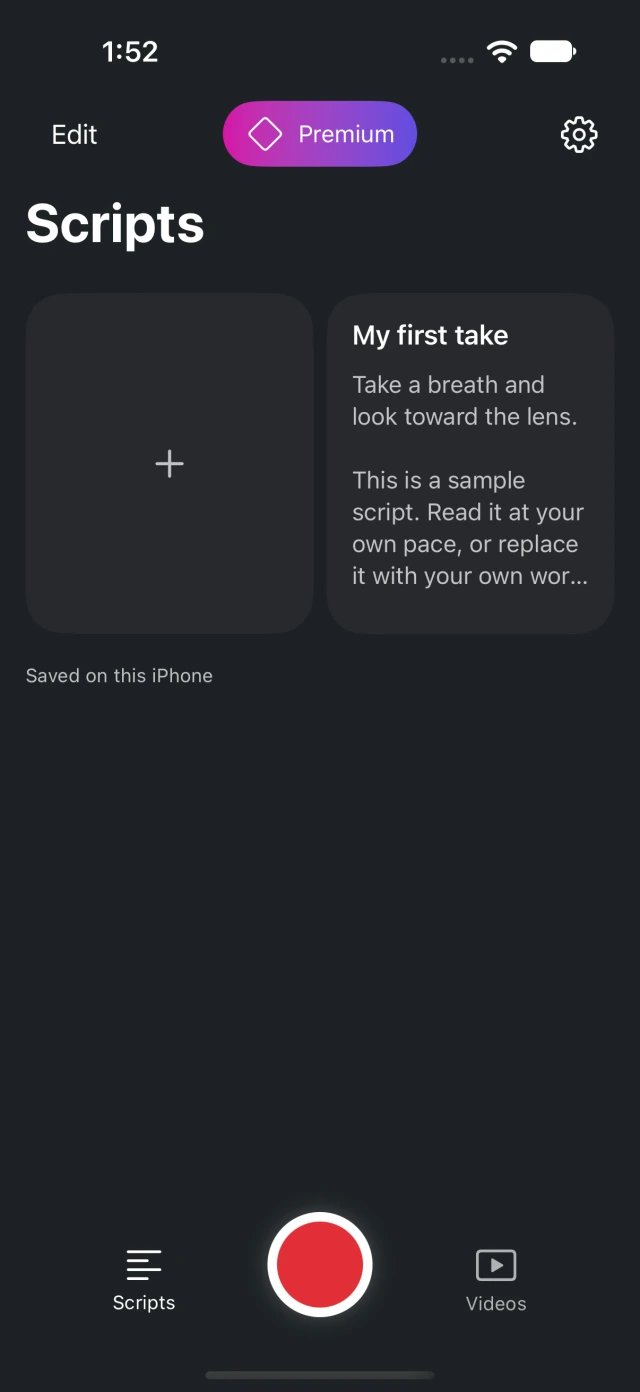
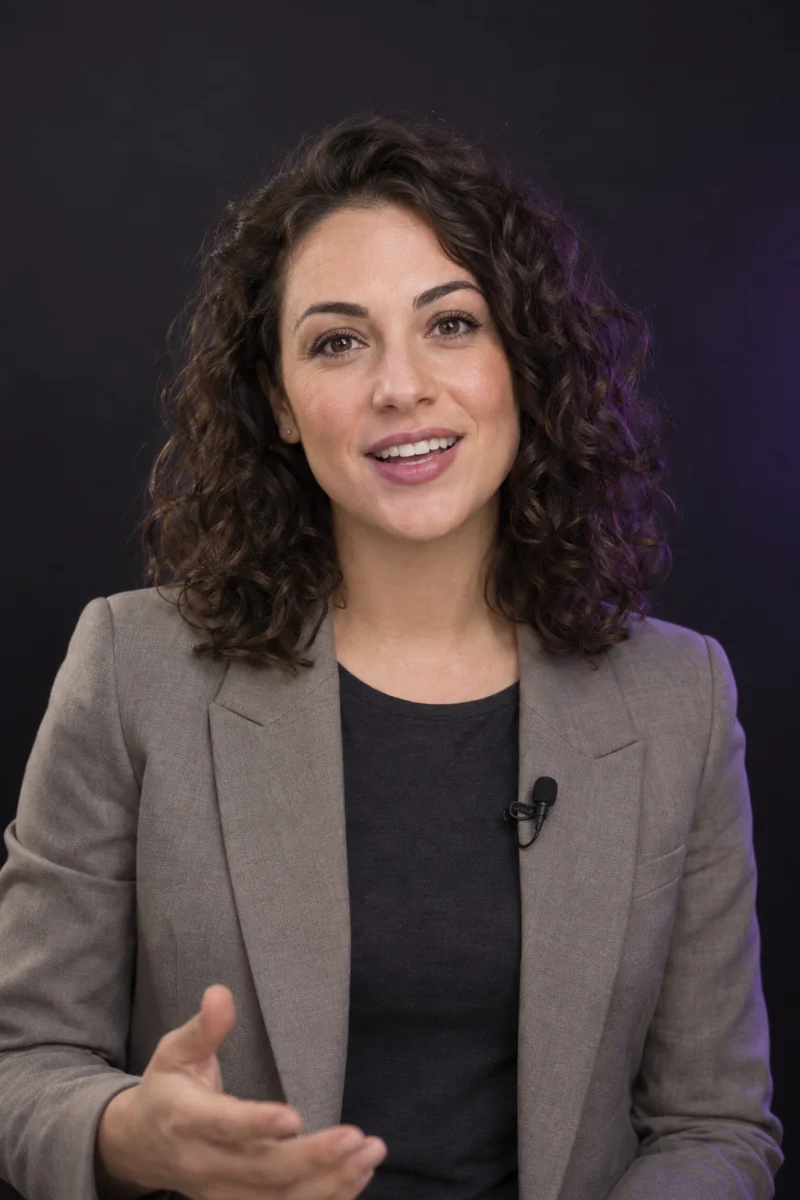
Actual Scripts screen alongside illustrative camera and editing previews.
Try the teleprompter.
Set your reading pace.
A little practice goes a long way. Press play, adjust the pace, and see how it feels to have your next line right there.
Your pace.
Your voice.
Keep your place without learning every line by heart.
Browser demo. Your camera stays off.
How Teleprompter Pal works.
From script to recording.
Write and organize
your scripts.
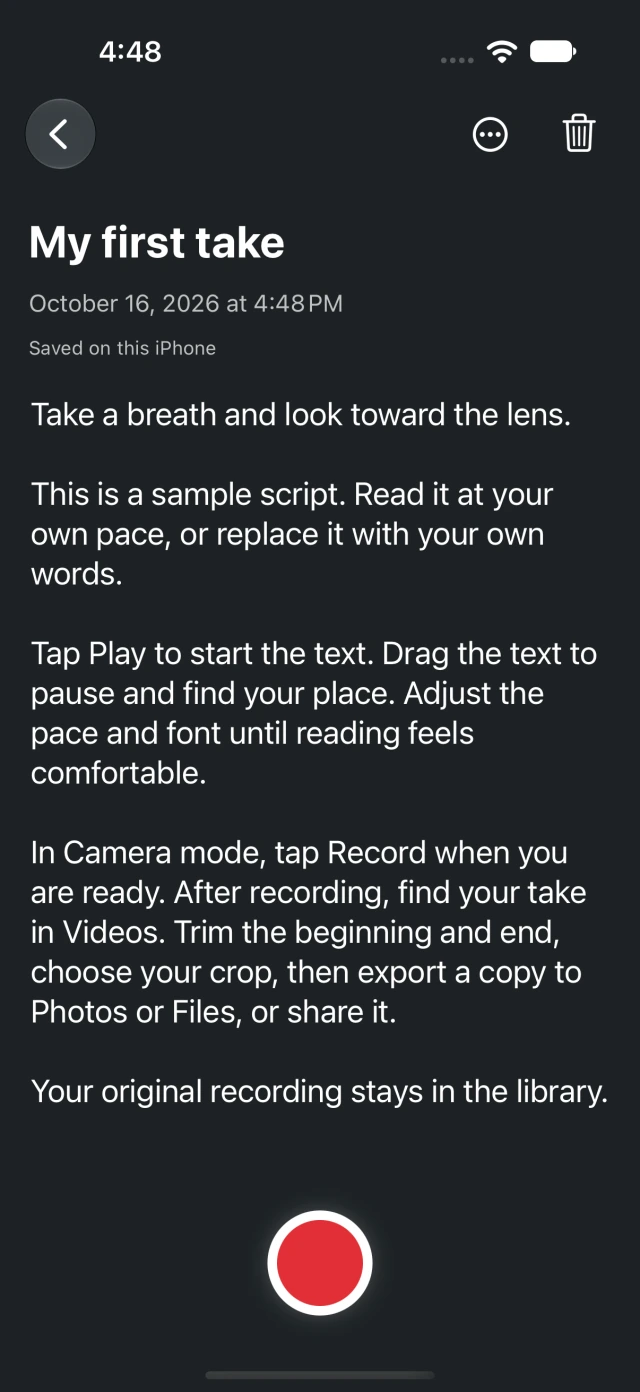
Write a new script or paste in the words you already have. Keep everything together in your script library, ready when you are.
Open a script, rehearse it, then go straight to the camera. Your reading position comes with you.
Give it a try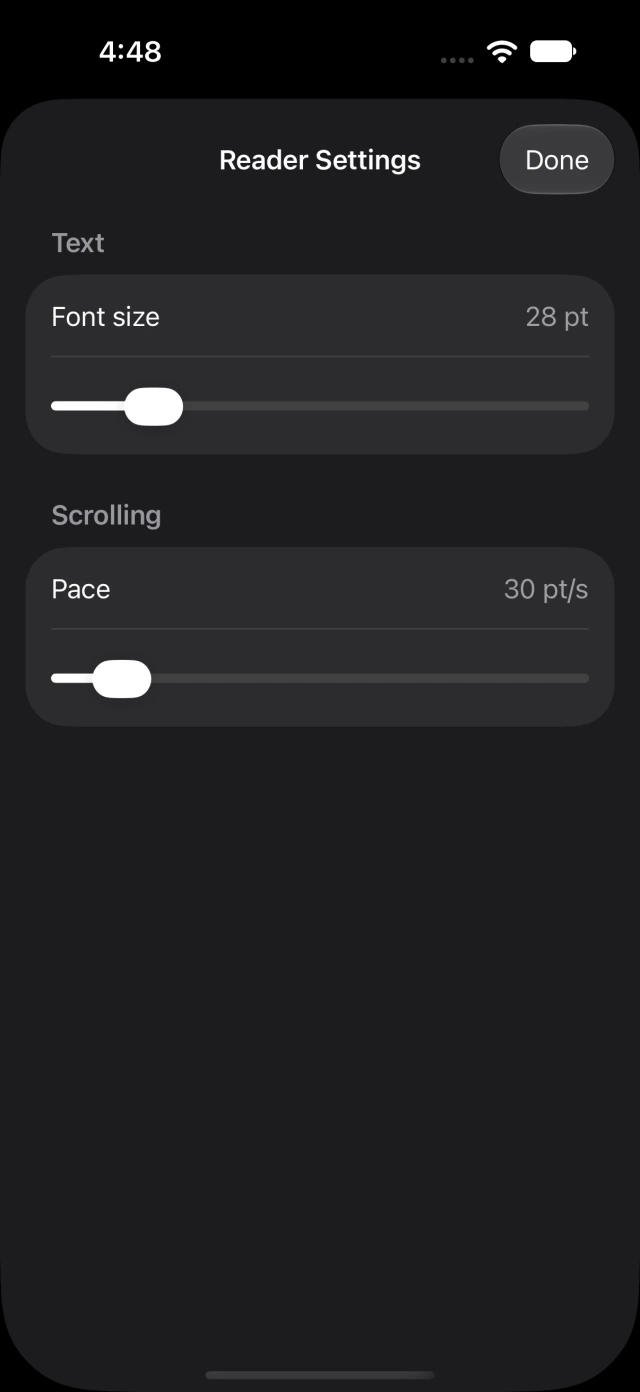
Read your script.
Record on iPhone.
Your script sits over the camera preview, so you can keep your eyes close to the lens and your mind on what you want to say.
Adjust the speed and text size. Move the prompt to a comfortable spot. Pause, reset, and take it again whenever you like.
Find your paceTrim, crop and export
your videos.
Trim the start. Find your frame. Export a separate MP4 and send it where it needs to go. Your original take stays safe.
9:16Try a format. Illustrative crop preview.
Your script is your business.
No sign-up. No script uploads. Your words and recordings stay on your iPhone.
Questions about
Teleprompter Pal.
Can I try Teleprompter Pal yet?
Teleprompter Pal is currently in private beta. Use Get early access to send us an email. We’ll let you know when there is an available way to try the iPhone app. There is no public App Store download yet.
Do I need an account or an internet connection?
No account is required. Writing, rehearsing, recording and editing work on your iPhone without an internet connection. Your scripts and recordings are stored locally.
Can I change the scrolling speed and text size?
Yes. Set a comfortable pace and font size, move or resize the prompt, and switch between rehearsal and the camera preview. You control when the text starts, pauses and restarts.
What happens to my original recording?
It stays on your iPhone. Trimming and cropping create an edit without replacing your original take. Export a separate MP4, then save it to Photos, save it to Files or use the iPhone share sheet.
Which iPhones are supported?
The app is built for iPhone with iOS 18 or later. You can use portrait or landscape and the front or rear camera. The website demo is illustrative and doesn’t access your camera or microphone.

Get early access
to Teleprompter Pal.
Your words. Your pace. A little help from your Pal.
Get early accessFor iPhone · Currently in private beta